Caleb Foster
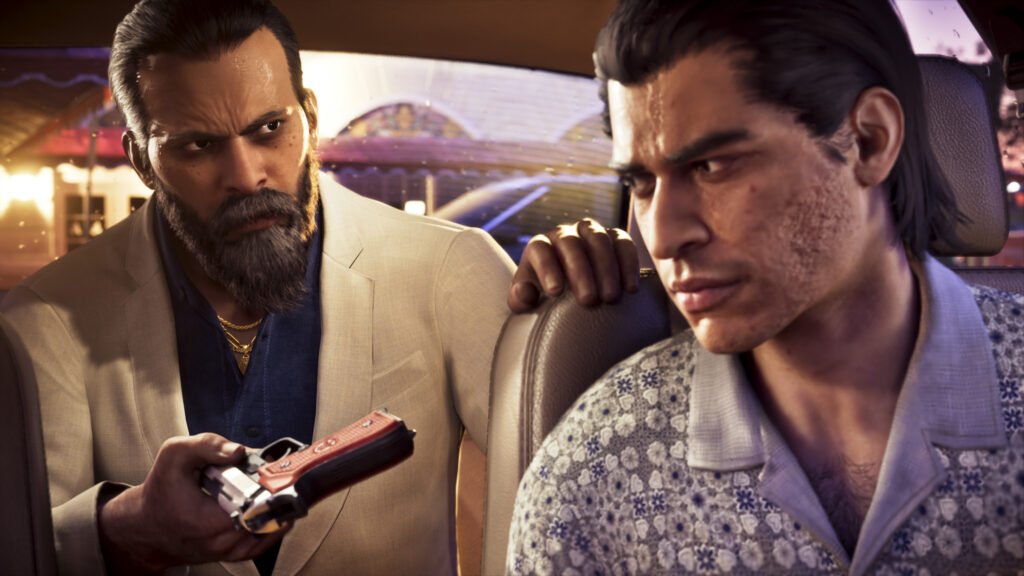
GTA 6 First-Person Mode: Does GTA 6 have first-person mode like GTA 5? No, not as a standard gameplay option that lets you freely explore Leonida from Jason’s or Lucia’s eyes. However, GTA 6 First-Person Mode offers several limited experiences, including environment inspection, weapon aiming, and smartphone camera perspectives. There is also a newly reported workaround that allows players to experience more extensive first-person gameplay.
Updated: November 20, 2026
Quick answer
- GTA 6 does not have an officially supported full first-person gameplay mode at launch.
- You can use first-person inspection while standing still.
- Hold L2 on PS5 or LT on Xbox and press R3 or RS to enter the inspection view.
- Certain weapons with compatible optics support first-person aiming.
- You can adjust camera height, follow speed, and vehicle camera views through the settings.
- A first-person gameplay glitch was reported on November 20, 2026, but it is not an official feature.
In this article
Does GTA 6 Have First-Person Mode?
No. GTA 6 First-Person Mode is not currently available as a traditional full gameplay option like the one introduced in GTA 5. In GTA 5, players can switch between first-person and third-person perspectives, but GTA 6 primarily uses a third-person camera.
However, that does not mean first-person camera features are completely missing. GTA 6 First-Person Mode has several limited alternatives that let you experience parts of the game from a closer perspective.
Here is what you can currently do:
| First-person feature | Availability |
|---|---|
| Full first-person free roam | Not officially supported |
| First-person inspection | Available while standing still |
| First-person weapon aiming | Available with compatible optics |
| First-person phone perspective | Available through camera settings |
| First-person driving glitch | Unofficial workaround reported |
| Third-person camera adjustments | Available |
| Cinematic vehicle camera | Available |
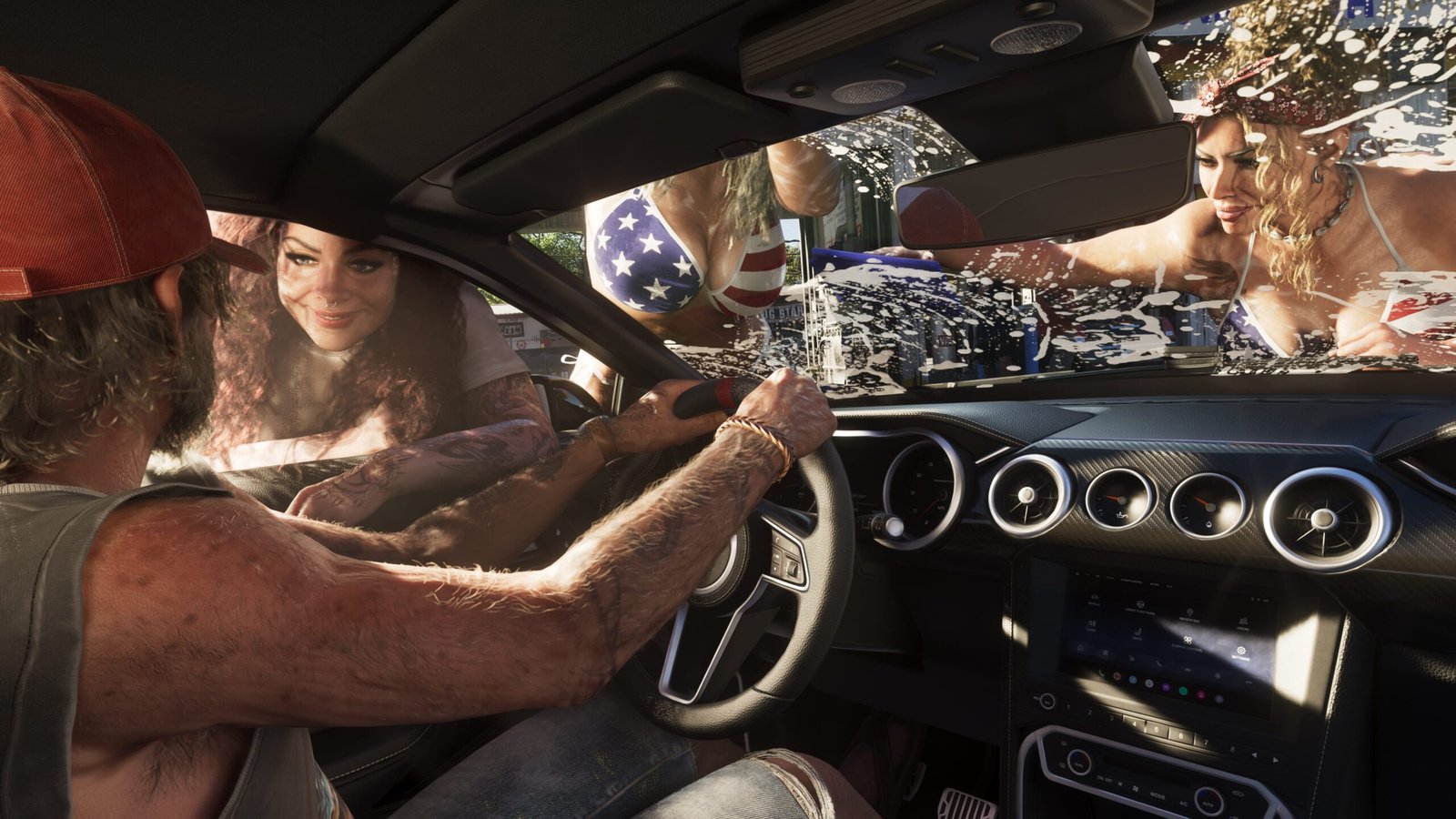
The biggest difference is that you cannot simply press a button and play the entire GTA 6 story from Jason’s or Lucia’s eyes. Instead, you have to use the specific camera features available in different situations.
For players who enjoyed GTA 5’s first-person camera, this is one of the important differences to understand before exploring GTA 6’s camera options.
How to Enter GTA 6 First-Person View on PS5 and Xbox
Although a permanent GTA 6 First-Person Mode is missing, the game includes a temporary inspection camera. It lets you look around from your character’s perspective while standing still.
You can use this feature to examine buildings, nearby objects, characters, signs, and environmental details without your character blocking the view.
GTA 6 first-person controls on PS5
- Start playing GTA 6 as Jason or Lucia.
- Make sure your character is standing still.
- Hold the L2 button on your DualSense controller.
- While holding L2, click the right analogue stick (R3).
- Move the right analogue stick to look around.
- Hold R2 to zoom in further while inspecting your surroundings.
GTA 6 first-person controls on Xbox
- Start playing GTA 6 on your Xbox console.
- Keep your character standing still.
- Hold the LT trigger.
- Click the right analogue stick (RS).
- Move the right stick to change your viewing direction.
- Hold RT to zoom in further.
This camera is designed for inspection rather than normal gameplay. As soon as Jason or Lucia starts moving, the camera returns to the regular third-person perspective.
Controller tip
Hold L2 or LT before pressing the right analogue stick. Activating the stick controls without the correct trigger can activate Focus Mode instead of the first-person inspection camera.
Can You Aim in First-Person in GTA 6?
Yes. Weapon aiming is another way to experience GTA 6 First-Person Mode. Unlike the temporary inspection camera, first-person aiming allows you to look through compatible weapon optics while targeting enemies.
However, not every weapon automatically supports this perspective. You need to equip a compatible optic or scope before using the feature.
Steps to activate first-person weapon aiming
- Visit an Ammu-Nation store.
- Select the weapon you want to customize.
- Open its attachments or optics section.
- Equip a compatible scope or optic.
- Hold L2 on PS5 or LT on Xbox to aim.
- Press R3 on PS5 or click RS on Xbox to switch to first-person aiming.
Once activated, you can aim through the weapon’s optic for a more focused view. This is particularly useful when targeting distant enemies or using scoped weapons.
Important
First-person aiming requires a compatible weapon optic. Regular iron sights do not provide the same first-person aiming option. The feature is limited to supported weapon configurations.
Can You Drive in First-Person in GTA 6?
One of the most common questions about GTA 6 First-Person Mode is whether players can drive vehicles using a cockpit-style camera. The game provides several vehicle camera options, but these are not the same as a permanent first-person driving perspective.
How to change the vehicle camera angle
- Get inside a land or water vehicle.
- Press and hold Down on the D-pad.
- Open the available camera selection options.
- Choose between the available camera heights.
- Confirm your preferred camera view using the displayed controller prompt.
How to activate Cinematic Camera
GTA 6 also provides a Cinematic Camera option for vehicles. It automatically changes the camera position to produce more dramatic shots while driving.
This option works particularly well during high-speed chases, long highway drives, and exploration. However, the changing camera angles may make it harder to judge turns and control your vehicle.
What about first-person phone view?
There is also a limited first-person smartphone perspective in GTA 6. You can use the smartphone while inside a vehicle to experience a closer view of the phone interaction and surrounding environment.
This is not the same as a permanent cockpit view because the perspective is tied to the smartphone interaction.
Best GTA 6 Camera Settings for a Better Experience
Even without a traditional GTA 6 First-Person Mode, you can customize several camera settings to make the game more comfortable to play. These options are particularly useful if you prefer a closer character view or want better visibility while driving.
To access these settings, pause the game, open Settings, and navigate to the Camera section.
| Camera setting | What it does |
|---|---|
| On-Foot Camera Height | Adjusts the camera position behind Jason or Lucia. |
| Horizontal Follow Speed | Controls how quickly the camera follows horizontal movement. |
| Vertical Follow Speed | Adjusts the camera’s vertical following movement. |
| Vehicle Camera Height | Changes the camera distance and position while driving. |
| Vehicle Follow Speed | Controls how quickly the camera follows your vehicle. |
| Aircraft Camera Settings | Provides additional camera-following options while flying. |
| First-Person Phone View | Controls the first-person perspective when using the smartphone. |
Which camera perspective should you choose?
Closer camera view
Choose a closer camera height if you want Jason or Lucia to occupy more of the screen while exploring the city.
Higher camera view
Use a higher camera position when you want better visibility of traffic, pedestrians, and the surrounding environment.
Cinematic camera
Choose cinematic views when enjoying long drives, capturing vehicle footage, or exploring Leonida.
First-person phone view
Enable the first-person smartphone perspective if you prefer seeing the phone interaction from your character’s viewpoint.
How to Try the GTA 6 First-Person Mode Glitch
There is another interesting development for players looking for a complete first-person experience. On November 20, 2026, PC Gamer reported a newly discovered controller workaround that allows players to access a more extensive GTA 6 First-Person Mode experience.
Unlike the normal inspection camera, this glitch reportedly allows you to leave your vehicle and continue exploring from a first-person viewpoint. However, it is an unintended workaround, not an officially supported Rockstar feature.
Before trying the glitch
Make a separate save before experimenting. The reported workaround has visual problems, and returning to the regular third-person perspective requires reloading a save.
Steps to activate the reported first-person glitch
- Pause GTA 6 and open the controller settings.
- Navigate to the Controller Features section.
- Find the Touch Pad / Select Button assignment.
- Change its action to Camera 2 / 2.
- Get inside a vehicle.
- Open your in-game smartphone using Up on the D-pad.
- Press Circle on PlayStation or B on Xbox.
- Quickly press the remapped Select or Touch Pad button.
- Check whether the first-person camera activates.
According to PC Gamer’s testing, successfully activating the workaround can provide a more extensive first-person experience, including walking around and using weapons.
What are the limitations of the glitch?
The workaround does not look completely polished. Some character animations and weapon positions can appear incorrect, especially when using larger weapons. Character shoulders may also clip through the camera during gameplay.
Another important limitation is that you cannot simply switch back to the standard third-person camera using a normal camera toggle. PC Gamer reports that saving while in first-person and immediately loading that save returns the game to third-person.
Because this is an unintended glitch, it may stop working after a future game update. Do not confuse it with an officially available first-person setting.
Frequently Asked Questions
Does GTA 6 have first-person mode like GTA 5?
No. GTA 6 does not have a standard full first-person gameplay mode like GTA 5. However, GTA 6 First-Person Mode has limited alternatives, including inspection, weapon aiming, phone perspectives, and an unofficial first-person workaround.
How do you activate first-person mode in GTA 6 on PS5?
Stand still, hold L2, and click the right analogue stick (R3). You can move the right stick to look around and hold R2 to zoom further.
How do you activate first-person mode in GTA 6 on Xbox?
Stand still, hold LT, and click the right analogue stick (RS). You can move the stick to look around and hold RT to zoom.
Can you drive in first-person in GTA 6?
There is no standard permanent first-person driving toggle. You can use the first-person smartphone perspective while looking at your phone inside a vehicle, or experiment with the reported unofficial glitch.
Can you aim in first-person in GTA 6?
Yes. Equip a compatible optic or scope, hold L2 or LT to aim, and press R3 or RS to switch to first-person aiming.
Can you walk around in first-person in GTA 6?
Not through the normal inspection camera. That view returns to third-person when you move. A controller-remapping glitch reported on November 20, 2026, offers an unofficial workaround.
Will Rockstar add a full first-person mode to GTA 6?
Rockstar Games has not officially announced a full first-person gameplay update. Any claims about future availability should be treated as speculation until Rockstar confirms them.
So, does GTA 6 have first-person mode? Not in the same fully supported way as GTA 5. GTA 6 First-Person Mode currently offers limited inspection, scoped weapon aiming, and smartphone perspectives, while the newly reported glitch provides an experimental alternative for players who want to explore Leonida from another viewpoint.
Want to capture cinematic screenshots while exploring Vice City? Check out our GTA 6 Photo Mode guide for camera controls and screenshot tips. You can also read our GTA 6 voice actors and cast list to learn more about the actors behind Jason and Lucia.
Sources
- Video Games Chronicle – GTA 6 First-Person Mode Explained
- Engadget – How to Switch Camera Views in GTA 6
- Dot Esports – GTA 6 First-Person View Controls
- PC Gamer – GTA 6 Is Playable in First-Person: How to Activate It
- Rockstar Games – Official GTA VI Website
Note: Camera controls are based on third-party gameplay reporting. The first-person workaround is an unofficial discovery, not a confirmed Rockstar feature.